
备注
Go to the end 下载完整的示例代码..
文本框#
文本框小部件允许用户以交互方式提供文本输入,包括公式.在此示例中,使用 on_submit 方法更新绘图.当用户在文本框中按Enter键或离开文本框时,此方法会触发submit函数的执行.
注意: matplotlib.widgets.TextBox 小部件与以下静态元素不同: 注释 和 放置文本框 .
import matplotlib.pyplot as plt
import numpy as np

from matplotlib.widgets import TextBox

fig, ax = plt.subplots()
fig.subplots_adjust(bottom=0.2)

t = np.arange(-2.0, 2.0, 0.001)
l, = ax.plot(t, np.zeros_like(t), lw=2)


def submit(expression):
    """
    Update the plotted function to the new math *expression*.

    *expression* is a string using "t" as its independent variable, e.g.
    "t ** 3".
    """
    ydata = eval(expression, {'np': np}, {'t': t})
    l.set_ydata(ydata)
    ax.relim()
    ax.autoscale_view()
    plt.draw()


axbox = fig.add_axes([0.1, 0.05, 0.8, 0.075])
text_box = TextBox(axbox, "Evaluate", textalignment="center")
text_box.on_submit(submit)
text_box.set_val("t ** 2")  # Trigger `submit` with the initial string.

plt.show()
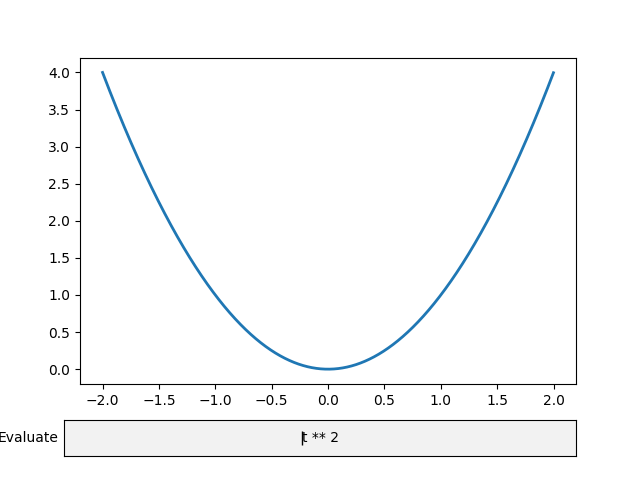
参考
以下函数,方法,类和模块的用法在本例中显示:
matplotlib.widgets.TextBox