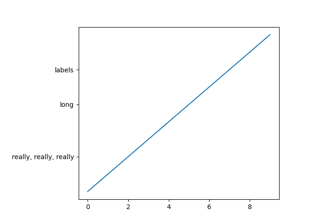
子图,坐标轴和图形#

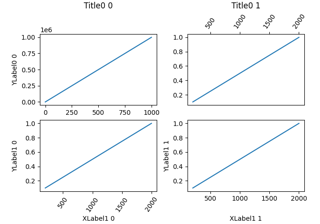
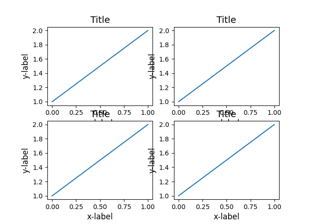
对齐标签和标题

Align labels and titles

以编程方式控制子图调整

Programmatically control subplot adjustment
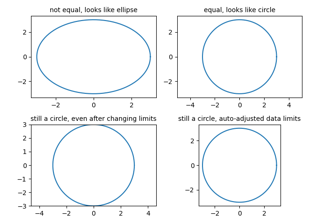
Axes 框体纵横比

Axes box aspect

Axes 演示

Axes Demo

使用 margins 和 sticky_edges 控制视图限制

Controlling view limits using margins and sticky_edges

Axes 属性

Axes properties

轴缩放效果

Axes zoom effect

绘制跨越轴的区域

Draw regions that span an Axes

相等轴纵横比

Equal axis aspect ratio

轴标签位置

Axis label position
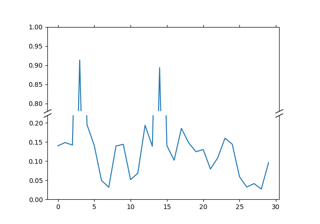
断裂轴

Broken axis
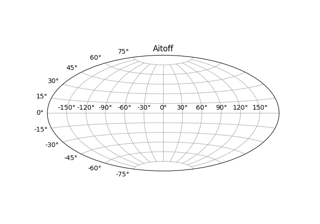
自定义 Figure 子类

Custom Figure subclasses

使用约束布局调整轴的大小

Resize Axes with constrained layout

使用紧凑布局调整坐标轴大小

Resize Axes with tight layout

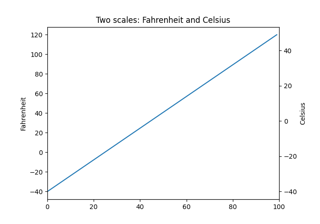
同一坐标轴上的不同刻度

Different scales on the same Axes

不同单位的图形大小

Figure size in different units

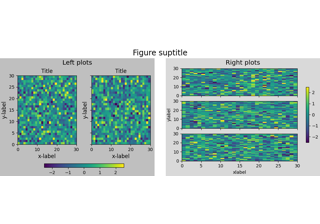
图形标签:suptitle,supxlabel,supylabel

Figure labels: suptitle, supxlabel, supylabel

相邻的子图

Adjacent subplots

地理投影

Geographic Projections

使用子图和 GridSpec 组合两个子图

Combine two subplots using subplots and GridSpec

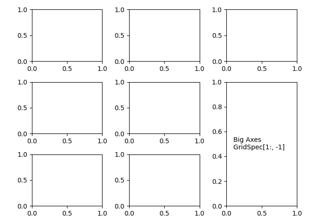
用于多列/行子图布局的 Gridspec

Gridspec for multi-column/row subplot layouts

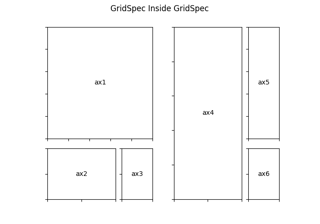
嵌套的 Gridspecs

Nested Gridspecs

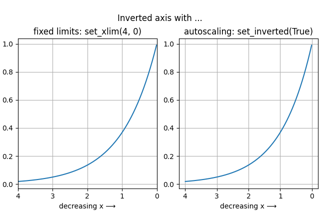
反转轴

Inverted axis

管理 pyplot 中的多个图形

Manage multiple figures in pyplot

次坐标轴

Secondary Axis

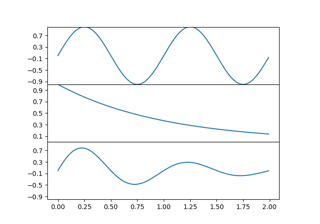
共享轴的限制和视图

Share axis limits and views

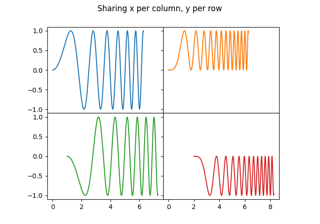
共享轴

Shared axis

图形子图

Figure subfigures
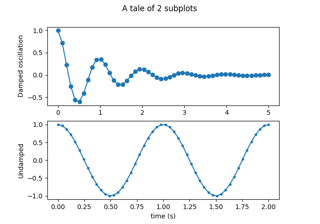
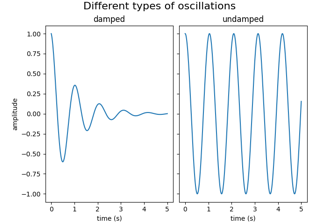
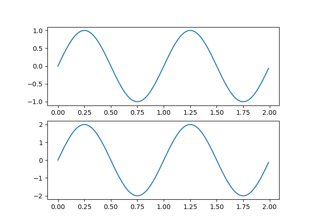
多个子图

Multiple subplots
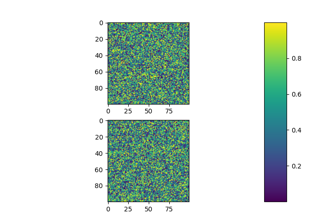
子图间距和边距

Subplots spacings and margins

使用 plt.subplots 创建多个子图

Create multiple subplots using plt.subplots

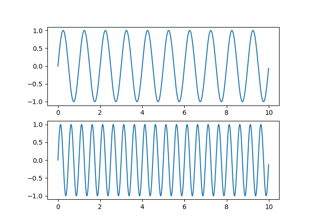
具有不同比例的绘图

Plots with different scales

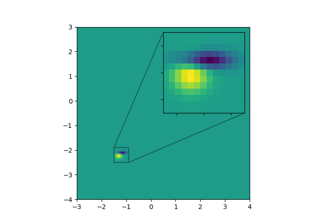
缩放区域插入轴

Zoom region inset Axes