
备注
Go to the end 下载完整示例代码.
按键事件#
演示如何连接到按键事件.
备注
此示例练习 Matplotlib 的交互功能,这不会出现在静态文档中.请在您的机器上运行此代码以查看交互性.
您可以复制和粘贴各个部分,或者使用页面底部的链接下载整个示例.
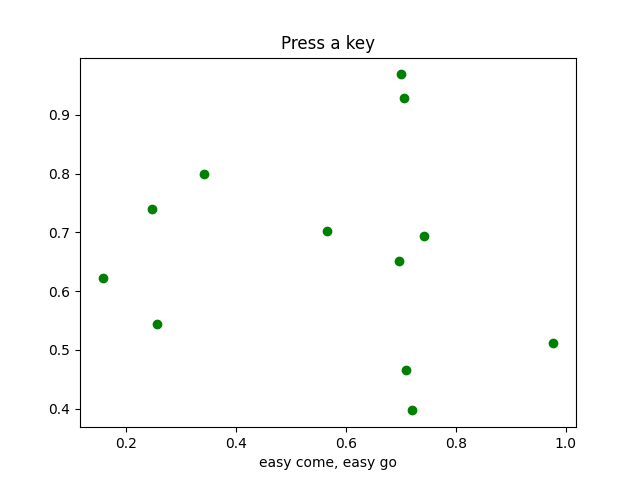
import sys

import matplotlib.pyplot as plt
import numpy as np


def on_press(event):
    print('press', event.key)
    sys.stdout.flush()
    if event.key == 'x':
        visible = xl.get_visible()
        xl.set_visible(not visible)
        fig.canvas.draw()


# Fixing random state for reproducibility
np.random.seed(19680801)

fig, ax = plt.subplots()

fig.canvas.mpl_connect('key_press_event', on_press)

ax.plot(np.random.rand(12), np.random.rand(12), 'go')
xl = ax.set_xlabel('easy come, easy go')
ax.set_title('Press a key')
plt.show()