
备注
Go to the end 下载完整示例代码.
使用 ttf 字体文件#
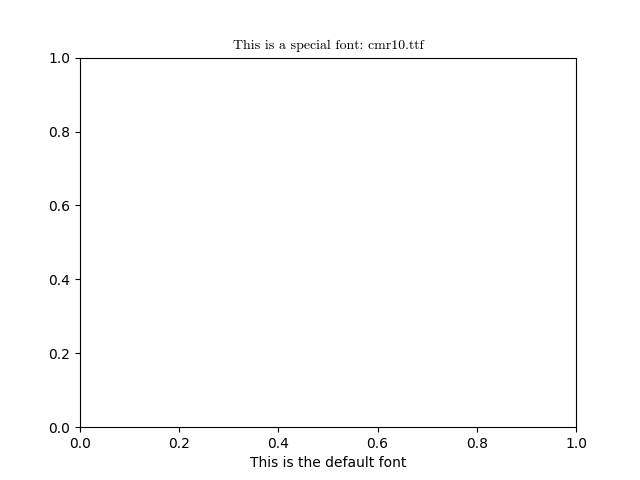
虽然显式指向字体实例的单个 ttf 文件通常不是一个好主意,但您可以通过传递一个 pathlib.Path 实例作为字体参数来做到这一点.请注意,故意不支持将路径作为 str 传递,但您可以根据需要简单地将 str 包装在 pathlib.Path 中.
在这里,我们使用 Matplotlib 附带的 Computer Modern roman 字体( cmr10 ).
有关更灵活的解决方案,请参见 配置字体族 和 字体演示(面向对象风格) .
from pathlib import Path

import matplotlib.pyplot as plt

import matplotlib as mpl

fig, ax = plt.subplots()

fpath = Path(mpl.get_data_path(), "fonts/ttf/cmr10.ttf")
ax.set_title(f'This is a special font: {fpath.name}', font=fpath)
ax.set_xlabel('This is the default font')

plt.show()
参考
以下函数,方法,类和模块的用法在本例中显示:
matplotlib.axes.Axes.set_title