
备注
Go to the end 下载完整的示例代码.
自定义刻度#
matplotlib.ticker 模块定义了许多预设的刻度,但主要设计用于可扩展性,即支持用户自定义刻度.
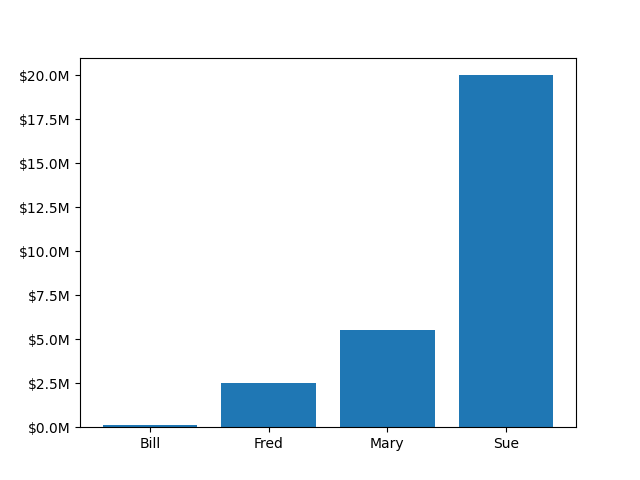
在此示例中,用户定义的函数用于格式化 y 轴上数百万美元的刻度.
import matplotlib.pyplot as plt


def millions(x, pos):
    """The two arguments are the value and tick position."""
    return f'${x*1e-6:1.1f}M'


fig, ax = plt.subplots()
# set_major_formatter internally creates a FuncFormatter from the callable.
ax.yaxis.set_major_formatter(millions)
money = [1.5e5, 2.5e6, 5.5e6, 2.0e7]
ax.bar(['Bill', 'Fred', 'Mary', 'Sue'], money)
plt.show()
参考
以下函数,方法,类和模块的用法在本例中显示:
matplotlib.axis.Axis.set_major_formatter