
备注
Go to the end 下载完整的示例代码.
从值的列表设置刻度标签#
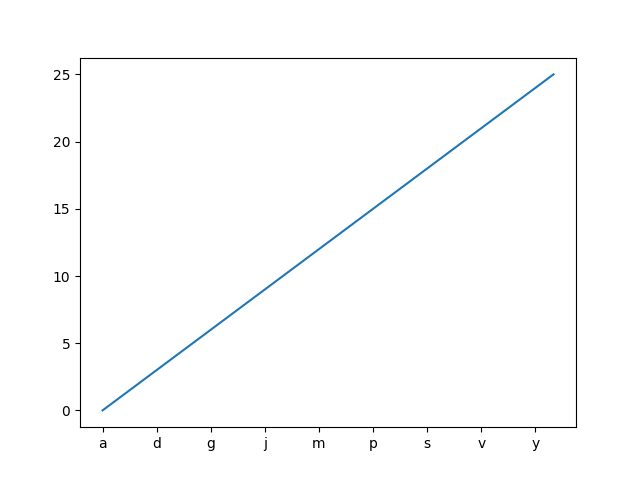
使用 Axes.set_xticks 会导致刻度标签设置在当前选择的刻度上.但是,您可能希望允许 matplotlib 动态选择刻度的数量及其间距.
在这种情况下,最好从刻度上的值确定刻度标签.以下示例展示了如何执行此操作.
注意:这里使用 ticker.MaxNLocator 来确保刻度值采用整数值.
import matplotlib.pyplot as plt

from matplotlib.ticker import MaxNLocator

fig, ax = plt.subplots()
xs = range(26)
ys = range(26)
labels = list('abcdefghijklmnopqrstuvwxyz')


def format_fn(tick_val, tick_pos):
    if int(tick_val) in xs:
        return labels[int(tick_val)]
    else:
        return ''


# A FuncFormatter is created automatically.
ax.xaxis.set_major_formatter(format_fn)
ax.xaxis.set_major_locator(MaxNLocator(integer=True))
ax.plot(xs, ys)
plt.show()
参考
以下函数,方法,类和模块的用法在本例中显示:
matplotlib.pyplot.subplotsmatplotlib.axis.Axis.set_major_formattermatplotlib.axis.Axis.set_major_locatormatplotlib.ticker.FuncFormattermatplotlib.ticker.MaxNLocator