
备注
Go to the end 下载完整的示例代码.
交互式调整颜色映射范围#
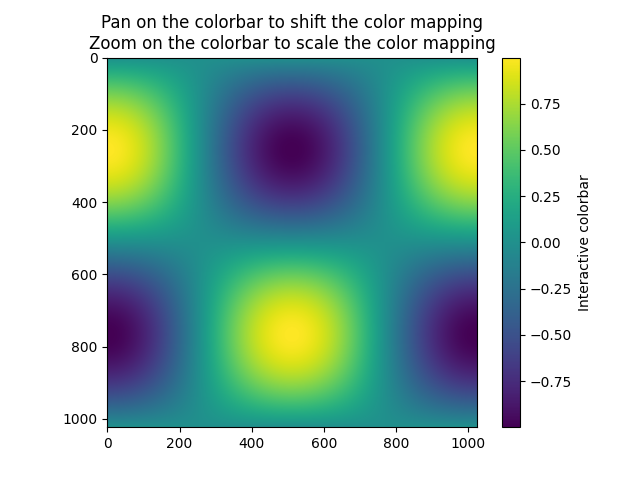
演示如何使用颜色条来交互式调整图像上颜色映射的范围.要使用交互功能,您必须处于缩放模式(放大镜工具栏按钮)或平移模式(四向箭头工具栏按钮),然后单击颜色条内部.
缩放时,缩放区域的边界框定义了 norm 的新 vmin 和 vmax.使用鼠标右键缩放将以与在轴上缩小相同的方式按比例扩展 vmin 和 vmax 到选定区域.平移时,norm 的 vmin 和 vmax 都根据移动方向移动."主页/后退/前进"按钮也可用于返回到之前的状态.
import matplotlib.pyplot as plt
import numpy as np

t = np.linspace(0, 2 * np.pi, 1024)
data2d = np.sin(t)[:, np.newaxis] * np.cos(t)[np.newaxis, :]

fig, ax = plt.subplots()
im = ax.imshow(data2d)
ax.set_title('Pan on the colorbar to shift the color mapping\n'
             'Zoom on the colorbar to scale the color mapping')

fig.colorbar(im, ax=ax, label='Interactive colorbar')

plt.show()